
What an Okeyhaul Spreadsheet actually is
It is a catalogue you scroll, not a document you download. Product cards, grouped by category, each one pointing at a listing on a Chinese marketplace.
A catalogue of finds, browsed by category
The word is a leftover from how this hobby started, and it confuses every newcomer. What people mean by it today is a shopping catalogue: page after page of product cards, sorted into categories, each card carrying a photo, a short name, the marketplace the item lives on and a link to that listing.
You are meant to scroll it the way you scroll any shop. Tap a category, look at pictures, and when something is worth ordering, take the link.
What you will not find on it is a checkout. No prices are collected, no account is created, nothing is reserved. That is deliberate: the catalogue and the agent do different jobs, and keeping them apart is what makes the catalogue usable without signing up for anything.
Two places, two jobs
The division is simple once you see it. Discovery happens in the catalogue, where browsing is free and anonymous. Everything that involves money, photographs of your actual item, storage and shipping happens inside the agent, where you have an account and an order history.
This guide sits between the two and explains the handover: what a link is worth, what the agent will do with it, and which decisions you should already have made before you paste it.
What a find card gives you, and what it cannot
A card is a pointer. Reading it correctly saves an order.
A picture from the seller
Seller photography, not the item you will receive. Inspection photos from the warehouse arrive later and show your unit. Judge fabric and finish from those.
The marketplace it sits on
This decides whether the link is read automatically or typed in by hand, so it is the single most useful field on the card. official help article 226
A link, which is the only thing the agent needs
Everything else on the card is for you. The agent reads the link, or asks you to fill in the details yourself.
Why use the spreadsheet at all, rather than searching the agent
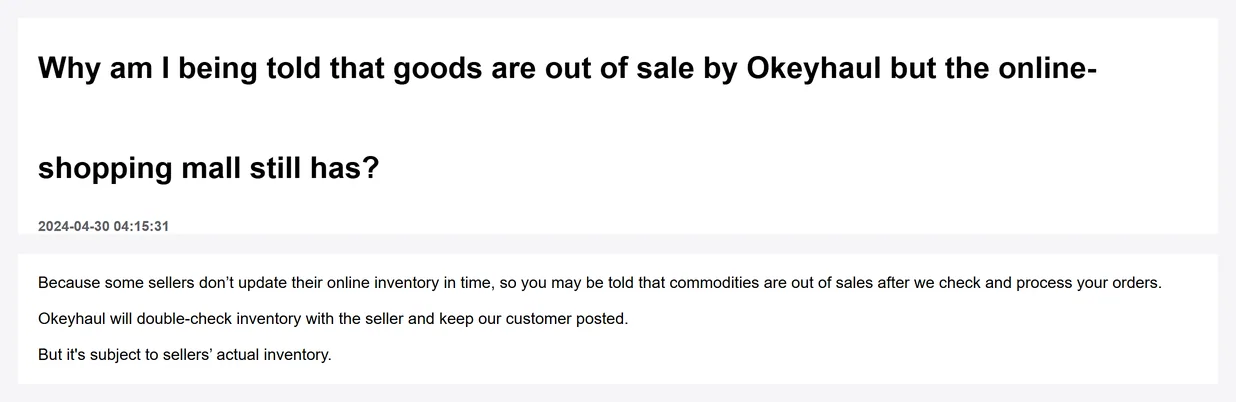
Two reasons, and the first one is practical. On Okeyhaul the product search and the image search render a login screen when you are signed out, so browsing there means making an account first. The catalogue does not ask for anything.
The second reason is that Chinese marketplace listings are written in Chinese, and searching them well is a skill. Okeyhaul acknowledges this: it publishes a Chinese and English keyword list so buyers can paste the right term into a marketplace search. That list stops at womenswear, which tells you how much of the catalogue problem is left to you. official help article 209
A curated catalogue skips the translation problem. Somebody has already found the listing, so what reaches you is a link that resolves.
From a card to a commodity order
Five steps, and the interesting one is the third.
Open the category you want
Categories are the fastest filter, and they carry consequences beyond style. See the category cards for what each one means at the warehouse.
Take the link from the card
The link is the payload. Everything else on the card helps you decide.
Decide who buys it
Okeyhaul buying for you is the purchase service. You buying it and shipping it to the warehouse is forwarding. The fee sets differ, and so does what the warehouse knows about your item. official help article 212
Paste it, or fill it in
Links from the named marketplaces are read automatically. Anything else goes on the custom order screen, where you supply link, name, price and remarks. official help article 226
Group by seller before you submit
Items bought from one seller in one purchase order share a single domestic delivery fee. Two orders from the same seller pay it twice. official help article 222
Which side answers which question
When you are not sure where to look, this is the split.
| Your question | Answered by the catalogue | Answered by the agent |
|---|---|---|
| What is out there in this category | Yes | Only after you log in |
| What does this exact item look like | Seller photos only | Inspection photos of your unit |
| What will shipping cost | No | Yes, freight estimate by weight and size |
| Can this be sent to my country | No | Yes, restrictions apply at waybill submission |
| Where do I pay | Nowhere | Balance, PayPal or Alipay |
| Who do I ask when it goes wrong | Nobody, it holds no orders | Support, with your order number |
Payment methods from official help article 238. Restrictions from official help article 253. Checked 2026-08-20.
Choose a Spreadsheet you can verify
A useful finds site leads back to the original seller, explains what its pictures and prices represent and gives you a way to check the item before paying. Look for clear category labels, usable links and a distinction between a product example and an inspected purchase.
This guide adds an Okeyhaul workflow to the catalogue: the link checker separates commodity-order costs from parcel costs, while the category checks help you plan size, seller and shipping questions. It does not certify products or replace your warehouse QC decision.